Foodget
A food budgeting web application
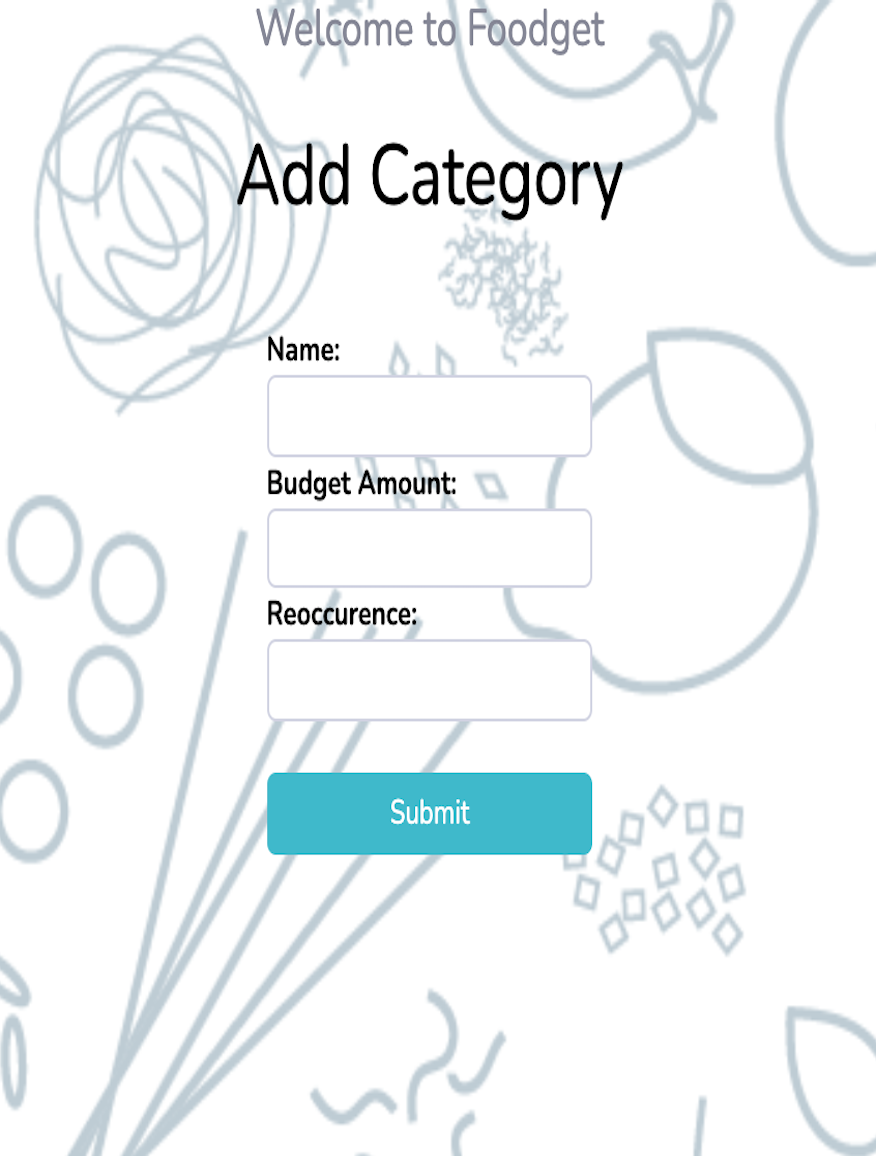
Add Categories
First when a user logs in, user will go and create a budget category that they wish to track
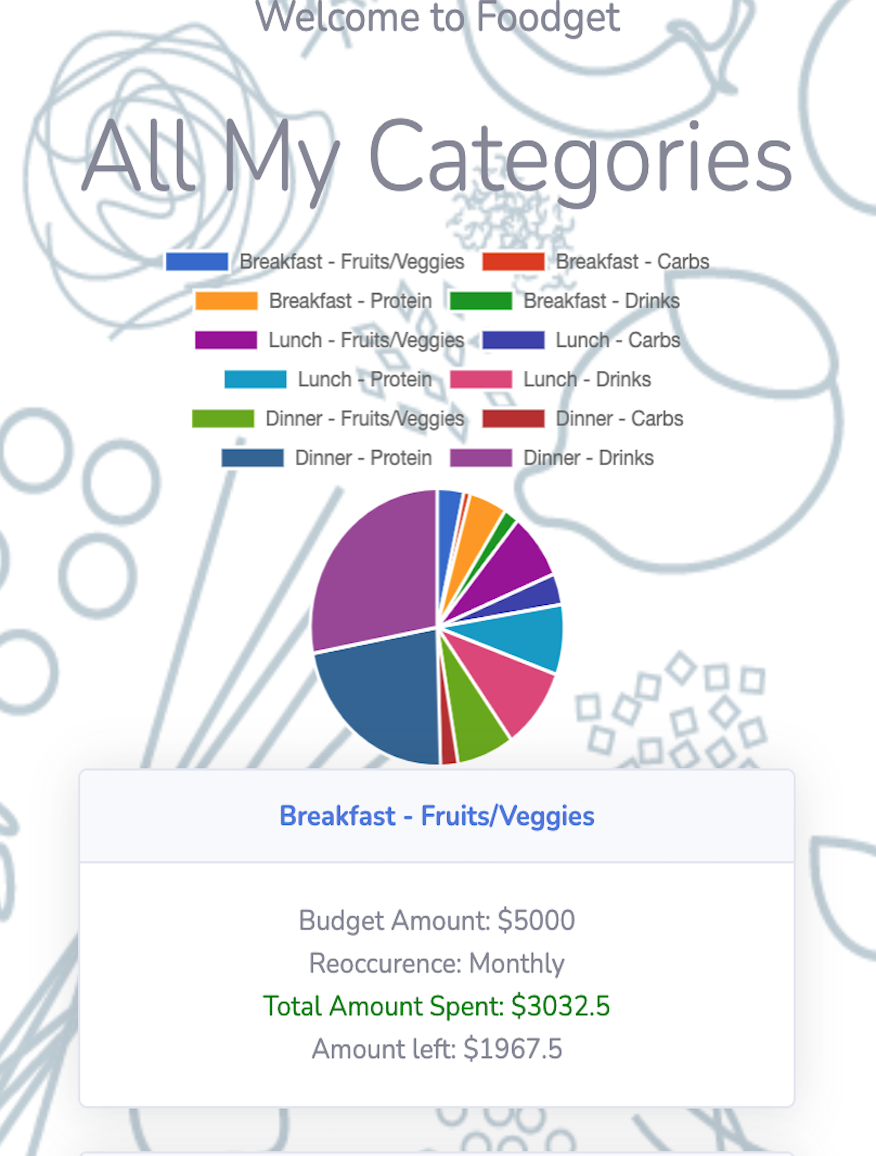
View All Categories
After creating a category, user can view all their categories in the Home page. Home page displays a pie chart and displays some information about each category
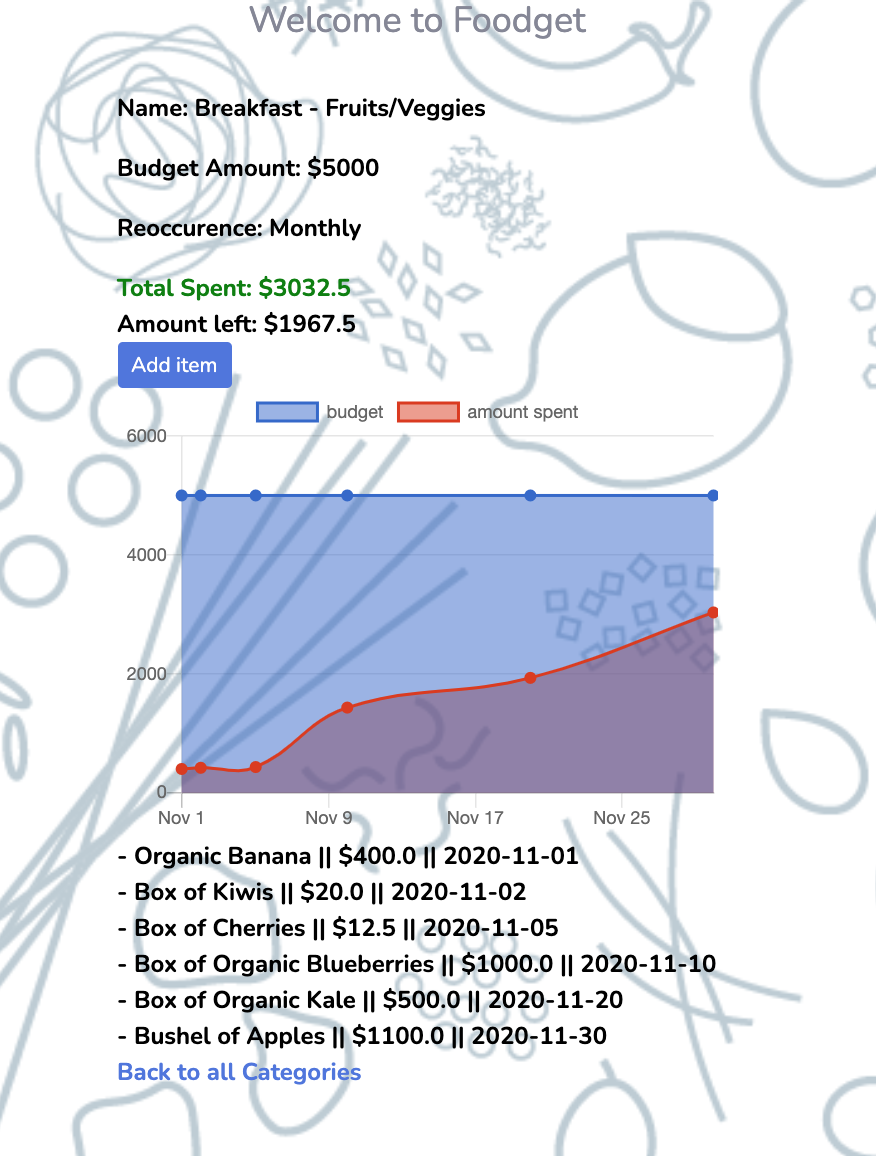
View Specific Category
A user can view each category that shows all the details of the budget and a line graph to visually see if the user is below or above their target budget amount